Howto- Install LAMP server in Fedora 17
clik here
or read this
In this post i will show you the steps to install LAMP server in Fedora 17 “Beefy”
1- Install Mysql Server
yum install mysql mysql-server
Start and Enable Mysql service
systemctl start mysqld.service
systemctl enable mysqld.service
Make Mysql password with :
mysqladmin -u root password [your_password_here]
Check the connexion to the databae server with:
mysql -h localhost -u root -p
2- Install HTTPD and PHP
a- Install Apache (httpd)
to install Apache Server:
yum install httpd php php-common
Start and enable httpd service
/etc/init.d/httpd start
# OR #
service httpd start
chkconfig --levels 235 httpd on

b- Install PHP Modules
yum install php-pecl-apc php-cli php-pear php-pdo php-mysql php-pgsql php-pecl-mongo php-sqlite php-pecl-memcache php-pecl-memcached php-gd php-mbstring php-mcrypt php-xml
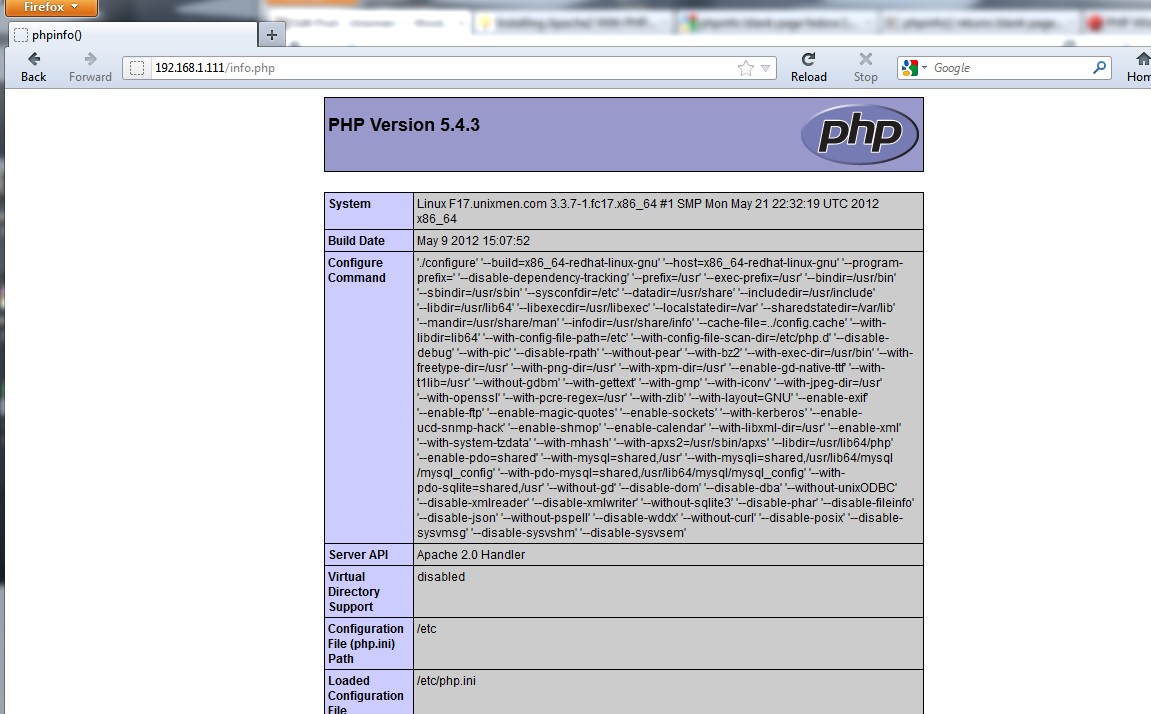
Check php page:
vi /var/www/html/info.php and add
save and open browser to check : http://ip/info.php
3- Install PhpMyAdmin
yum install phpmyadmin
restart Apache:
service httpd restart
Check the phpmyadmin page
http://ip/phpmyadmin
In this post i will show you the steps to install LAMP server in Fedora 17 “Beefy”
1- Install Mysql Server
yum install mysql mysql-server
Start and Enable Mysql service
systemctl start mysqld.service
systemctl enable mysqld.service
Make Mysql password with :
mysqladmin -u root password [your_password_here]
Check the connexion to the databae server with:
mysql -h localhost -u root -p
2- Install HTTPD and PHP
a- Install Apache (httpd)
to install Apache Server:
yum install httpd php php-common
Start and enable httpd service
/etc/init.d/httpd start
# OR #
service httpd start
chkconfig --levels 235 httpd on
b- Install PHP Modules
yum install php-pecl-apc php-cli php-pear php-pdo php-mysql php-pgsql php-pecl-mongo php-sqlite php-pecl-memcache php-pecl-memcached php-gd php-mbstring php-mcrypt php-xml
Check php page:
vi /var/www/html/info.php and add
save and open browser to check : http://ip/info.php
3- Install PhpMyAdmin
yum install phpmyadmin
restart Apache:
service httpd restart
Check the phpmyadmin page
http://ip/phpmyadmin

posted by Syskata Mitev @ 5:57 AM
0 Comments


0 Comments:
Post a Comment
Subscribe to Post Comments [Atom]
<< Home